Learn GarageBand,
the simple way.
Daw Made Simple is a free, plain-English course for GarageBand on Mac, from opening the app for the first time to mixing and mastering a finished track. No jargon, no fluff.
Don't have GarageBand yet? Get it free from the App Store
What do you want to make?
Pick the closest genre and get a tempo, toolset, and lesson path tailored to it.
Vocal-led songs built around a strong hook.
Pop / Songwriter
Typical tempo
100–130 BPM
Your vocal is the star, everything else supports it. You'll lean heavily on clean recording, comping the best takes, and gentle pitch correction to get a lead vocal that sits confidently on top of a simple, uncluttered arrangement.
Read the full Pop / Songwriter guideLean on these tools
- Audio tracks for vocals and acoustic instruments
- The Loop Browser's "Vocal" and "Pop" style tags for reference textures
- Pitch Correction for light, natural-sounding tuning
Beat-first tracks built on drums, bass, and samples.
Hip-Hop / Trap
Typical tempo
70–100 BPM (many trap beats are programmed at 130–150 BPM but felt at half-time)
The beat comes first, usually before any vocal exists. You'll spend most of your time in the Drummer track and Sampler, building a hard-hitting rhythm section and a simple, repeating melodic hook underneath it.
Read the full Hip-Hop / Trap guideLean on these tools
- Drummer track set to a Hip-Hop or Trap kit
- The Sampler to turn a one-shot or vocal chop into a playable hook
- The Loop Browser's "Hip-Hop/R&B" genre filter for 808s and textures
Warm, laid-back beats with a dusty, imperfect character.
Lo-fi / Chill Beats
Typical tempo
70–90 BPM
Lo-fi leans on texture and mood over precision: soft drums, warm keys, and a slightly imperfect, tape-like character. You'll use effects deliberately to add grit and space rather than to clean things up.
Read the full Lo-fi / Chill Beats guideLean on these tools
- Software Instrument tracks with mellow electric piano or Rhodes-style presets
- Reverb and light saturation/drive for warmth
- The Drummer track with reduced complexity for a laid-back, understated groove
Full-band arrangements built around real instruments.
Rock / Band
Typical tempo
100–140 BPM
Guitars, bass, drums, and vocals recorded (or performed) as a full band arrangement. You'll spend more time on audio editing and mixing multiple live-feeling tracks together than on programmed sounds.
Read the full Rock / Band guideLean on these tools
- Audio tracks for guitars, bass, and vocals
- Flex Time to tighten up live-feeling takes without losing their energy
- The Drummer track as a reliable foundation if you're not recording real drums
Synth-driven tracks built for movement and energy.
Electronic / Dance
Typical tempo
120–130 BPM
Built almost entirely from software instruments and automation: filter sweeps, builds, and drops matter as much as the notes themselves. You'll spend real time in Smart Controls and the automation lanes here.
Read the full Electronic / Dance guideLean on these tools
- Software Instrument synth presets, tweaked in Smart Controls
- Automation on filter cutoff and effect sends for builds and drops
- The Sampler for one-shot hits and vocal chops
Clean spoken word, edited for clarity and easy listening.
Podcast / Voiceover
Typical tempo
No fixed tempo: set it for a comfortable click reference if you're editing to visuals
Not tempo-driven at all: this is about clean recording, tight editing, and making sure every word is easy to hear, with music and sound beds ducking politely underneath the voice.
Read the full Podcast / Voiceover guideLean on these tools
- Audio tracks for each speaker, recorded separately where possible
- GarageBand's Podcast project template and speech enhancement
- Volume automation to duck background music under dialogue
Pick up right where you are
Three tracks, one skill set. Work through them in order or jump straight to what you need.
A real project, built entirely inside GarageBand
Synths, drums, risers, and vocal chops: no outside plugins, no samples from anywhere but GarageBand's own library.
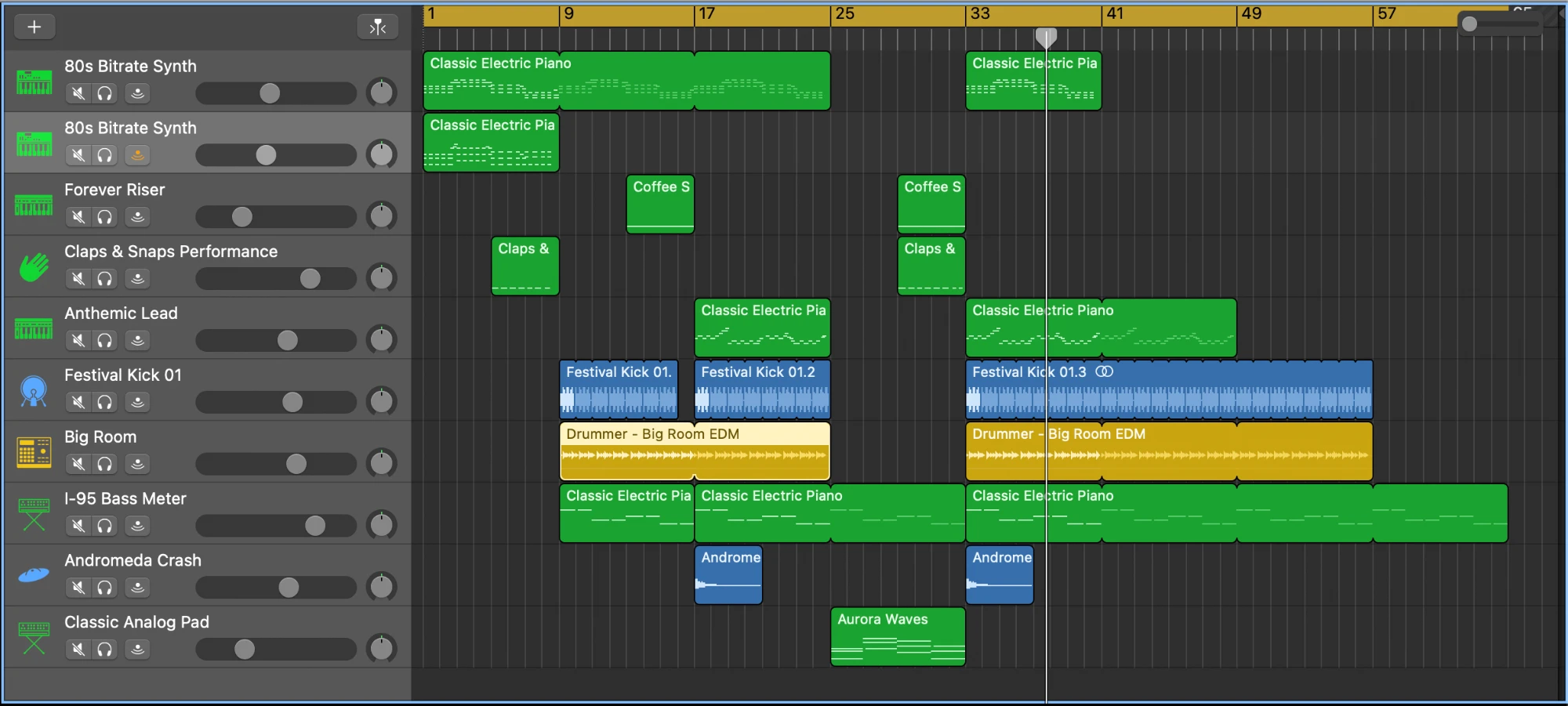
This one's an electronic/dance project: pop, rock, hip-hop, and more each get their own approach in Find Your Sound.
Start here
View all →Welcome to GarageBand: A Tour of the Interface
A calm, no-jargon walkthrough of what you're looking at the first time you open GarageBand: the control bar, the track area, and the panels you'll use constantly.
Getting Set Up: Preferences, Buffer Size, and Good Habits
The handful of settings worth checking before your first real project: audio preferences, buffer size explained simply, choosing the right template, and where your files actually live.
Creating Your First Project
Set your tempo and key, understand the metronome and count-in, and get comfortable with the transport controls before you record anything.
Actually plain English
Every lesson is written like a patient friend explaining it over your shoulder, not a manual translated from engineer-speak.
Mac-only, on purpose
We only cover GarageBand for Mac, so instructions match what's actually on your screen, no iPad menus getting in the way.
A real path, not a pile of tips
Lessons build on each other, from your first project to a finished, mastered track, in an order that actually makes sense.
Ready to make something?
Open GarageBand, keep this tab handy, and start with lesson one.
Begin the beginner path